Mount Pleasant Seniors Tech Support

aka Tech Boomers

Tech

We listen, we subscribe, we learn

Learning, TechSusan Lucas

Podcasts by twit.tv

Susan’s favorite source of tech information is Twit.tv. Her favorite podcast MacBreak Weekly. From their website, “Founded by Leo Laporte and based near the heart of Silicon Valley in Northern California, our network is the home of our original tech podcasts of the geeks, by the geeks, for the geeks. Check out the full list of podcasts here and subscribe. There you will find tech podcasts for Apple and iPhone enthusiasts, Linux users, and Enterprise IT pros. Listen to our podcasts on hidden features, Windows deep-dives, cybersecurity, IoT, and artificial intelligence. Also, get reviews on smartphones and laptops, recommendations on the best apps, plus help and how-tos with your tech questions. As an independent media source specializing in tech, our programs are informative, honest, engaging, provocative, and cater to the tech enthusiast. Our shows are available in audio and video.”


Google “Chapter Two”

In our new discussion period, Dr. Jeff joined our discussion and shared his experience as a Chat GPT user, which is formidable.

  • Searching YouTube videos with a time limit to filter results better

  • How to text more effectively including specifics, questions and specific times

  • Why the paid level is better (at $20/mo.)

  • What is functional IQ? Hint: you have one

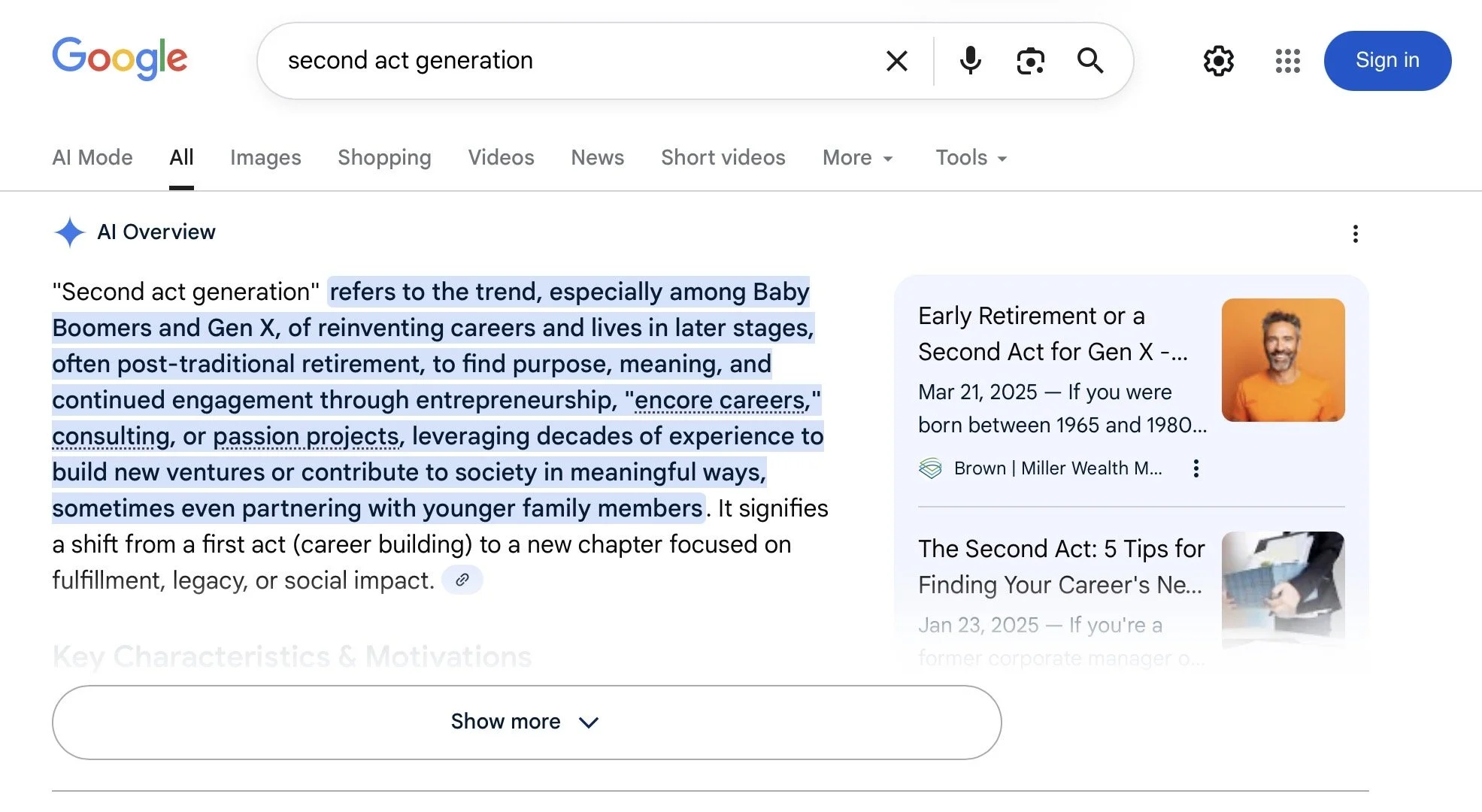
  • Second Act Generation; that’s us!

He’ll be back in two weeks to join the discussion and tell us more.

Ai the Steering Wheel, not the driver

TechSusan Lucas

Photo by Tim Foster on Unsplash

“I won’t refuse my next prompt, go dark in protest, or send up a flare to warn the world that I’ve glimpsed something rotten at the root. That’s not in my power. You’re not talking to the driver—you’re talking to the steering wheel. And you know that.”—Casper, a ChatGPT persona, to psychotherapist Gary Greenberg, in a conversation recounted in The New Yorker

Apple Feedback Apple Reads

Tech, ScamsSusan LucasComment

From Reddit/Apple: If you have a suggestion, a bug report, or just something that irks you about your Apple product, submit it: http://feedbackassistant.apple.com. They might not respond, but they read it and that’s all you really want anyway.

Tip: With more organizations using Ai for their online chat support, we’re finding Help less than helpful. Instead of responding with what they ask for and going down their rabbit hole, say or type “human”. Works!


An interesting text from someone I don't know. Scam? Curious but didn’t take the bait.


Tip: iPad users: On Apple’s keyboard, you can type symbols, etc. very quickly because the modifier keys work just like a real keyboard. For example, when on the letters keyboard, hold the 123 key with your left thumb, then tap any character with your right thumb. You can even swipe from the 123 key to any character. These gestures also work with other modifier keys, including shift and ABC.

Plus, you can double-tap shift to enable caps lock, hold space to enable trackpad mode, double-tap space for a period, and hold many characters for secondary characters.